Platform Choice
Part of Community platform selection
Checking data export before choosing a community platform
Check what a community platform actually exports, from threads and attachments to members and permissions, before relying on an exit plan.
Before choosing a platform, check data export: list the records you would need if the community moved, then inspect an available sample export. A button labelled “export” may return a member list, one person’s account data or a database backup. These are different answers to a migration question.
Define the exit you need
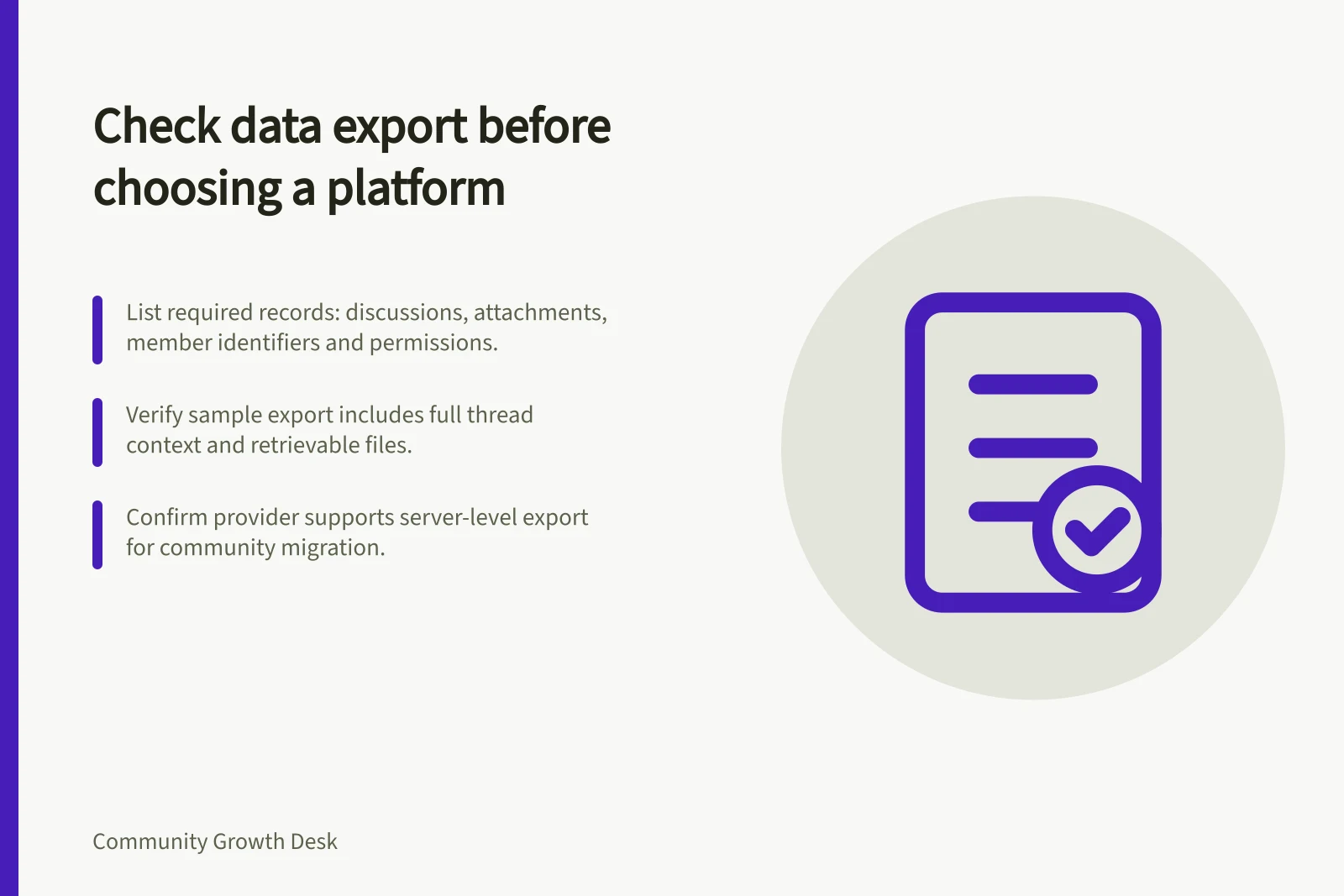
List the records the organisation needs to retain: discussions and replies, authors, timestamps, categories or channels, attachments, member identifiers, permissions and moderation records. Decide which fields a replacement community must use, and which can stay in a separate archive.
Member identity needs its own decision. Moving a post with a name beside it differs from giving that person access to a new account. Do not promise a seamless transfer until the receiving system and the organisation’s privacy review support it.
| Record | Question for the provider | Check on a sample |
|---|---|---|
| Discussions | Are posts, replies and their relationships included? | Can a reader reconstruct a whole thread? |
| Attachments | Are files included or only referenced? | Can files be retrieved outside the platform? |
| Members | Which identifiers and profile fields are included? | Can records be matched without carrying unnecessary details? |
| Access | Are groups and permissions represented? | Could the intended audience be rebuilt? |
| Moderation | Which reports or decisions are available? | Can the team retain needed records without spreading sensitive details? |
Distinguish a backup from a portable archive
Hosted Discourse sites let an administrator create a database-only backup from Admin / Backups, but it excludes uploads. A full site backup, including uploads, can be requested.
A database-only backup can still restore a hosted Discourse site. None of this establishes that another product can import the backup without conversion.
Discord documents a process for an individual to request their own account data. Ask the provider whether a server-level export of community conversations is available and what it includes.
If a complete archive is essential, seek separate documentation or a provider answer for the server-level route. Individual members’ requests are not an administrator migration plan.
Ask about the limits
For every route, record who can initiate it, the plan or permission required, whether support is needed and how the file arrives. Ask whether deleted items, private discussions, attachments and edits are included.
Request field definitions if identifiers are unclear. Check whether the export can be repeated and how long the download remains available.
Compare what you receive with the inventory. A member spreadsheet cannot preserve reply context. A large database file may contain more records but still require specialist work to inspect or import.
Record missing fields and any manual work needed to rebuild permissions or guide members into a new space. If no sample is available before purchase, treat the unverified records as a selection risk.
Make export a decision condition
Set the condition according to the community’s purpose. A short trial may need a retrievable record of its discussions and participants. A long-running support community may also need attachments, thread structure and a way to identify outdated answers.
In either case, retain only the personal information the organisation has a valid reason to keep.
Keep the sample or provider response, its date, the plan and the documented limits alongside the selection decision. If a necessary field cannot be obtained or interpreted, resolve the gap before relying on a future move.