Moderation
Part of Community platform selection
Assessing moderation tools during a platform trial
Use realistic cases to check reporting, review, filtering, moderator permissions and recovery during a community platform trial.
Assess moderation tools by giving a prospective moderator realistic cases. Check whether they can find, review and resolve each case using the permissions they would use in production. A feature list cannot show whether a report reaches the right person or a filter blocks a legitimate post.
Prepare the cases
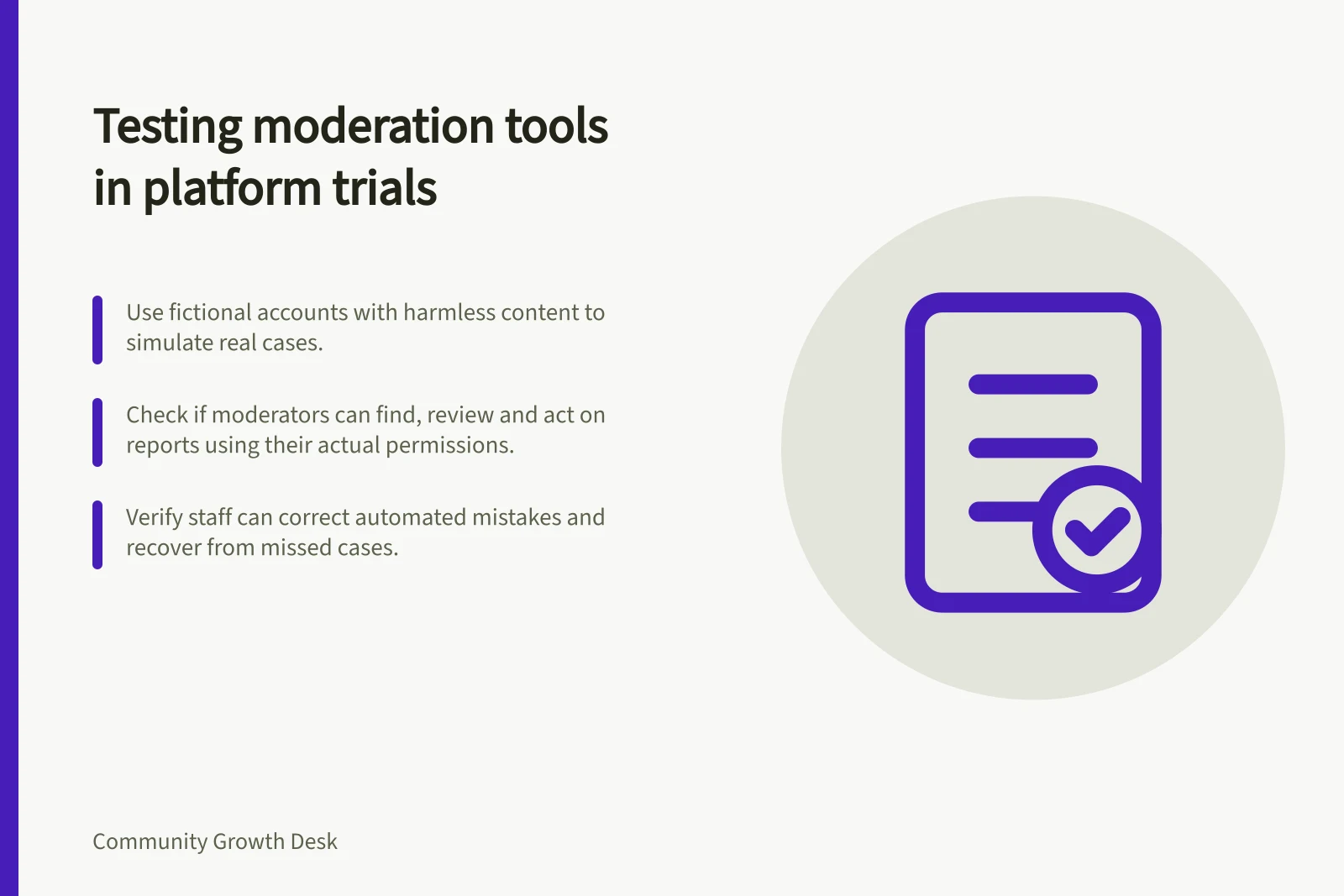
Use fictional accounts and harmless sample content. Include an irrelevant promotion, pointed but rule-compliant criticism, a personal attack, a post that belongs in private support, and a report the moderator should dismiss.
Write the expected policy decision for each case before testing the controls. The exercise examines whether the tools support those decisions; it does not replace the community's conduct rules.
Give one person the intended moderator role and another the member view. Record the product plan and settings. If the operating team will have narrower permissions, avoid testing only as an administrator.
Moderation Tool Capabilities Across Platforms
- DiscourseFlags, review queues, topic management via Discourse moderation guide
- DiscordAutoMod rules, channel-specific settings, forum channel controls
- Platform-Specific TestingTest only controls active during trial; avoid assuming standard features behave as documented
Follow a report from start to finish
Ask the member account to report a sample post. Can they find the action and add context? Does the content remain visible while awaiting review?
Which staff role receives notice, and where does the case appear? Check whether the reviewer can see enough context without unnecessarily revealing the reporter.
Discourse documents flags, a review queue and topic management. Examine which actions the intended moderator role can use and what members see when a topic is moderated.
Automated filters and channel-specific settings vary between platforms. Test the controls available in the trial rather than assuming a listed feature behaves as described.
A filter can catch configured patterns but still needs review of context and mistakes.
Check decisions and recovery
Have the moderator leave compliant criticism visible and act on the personal attack using the team's intended communication route. Check what the author and other readers see.
When an automated rule blocks a harmless post, check whether staff can recognise the error, correct it and explain the next step to the member.
Repeat the exercise with the usual moderator unavailable. Can a second authorised person find the case and act? Note any action that requires an administrator, a different plan or an integration. A queue that nobody monitors is not effective coverage.
Record what the trial shows
Keep a case log with the sample behaviour, expected decision, observed path, role used and unresolved gap. Accept a candidate only when the available controls and planned staffing can receive reports, support contextual decisions, take proportionate action and correct mistakes. Treat workarounds as ongoing work the team must own.