
Onboarding
Part of Community platform selection
Choosing access controls for a customer-only community
Define customer eligibility, visibility, permission changes and removal before choosing access controls for a private community.
A customer-only community requires two decisions: how the organisation confirms eligibility, and what a person may see or do after joining. A private link or login requirement covers only part of that. Design how access is granted, changed and removed before inviting members.
Define eligibility and visibility separately
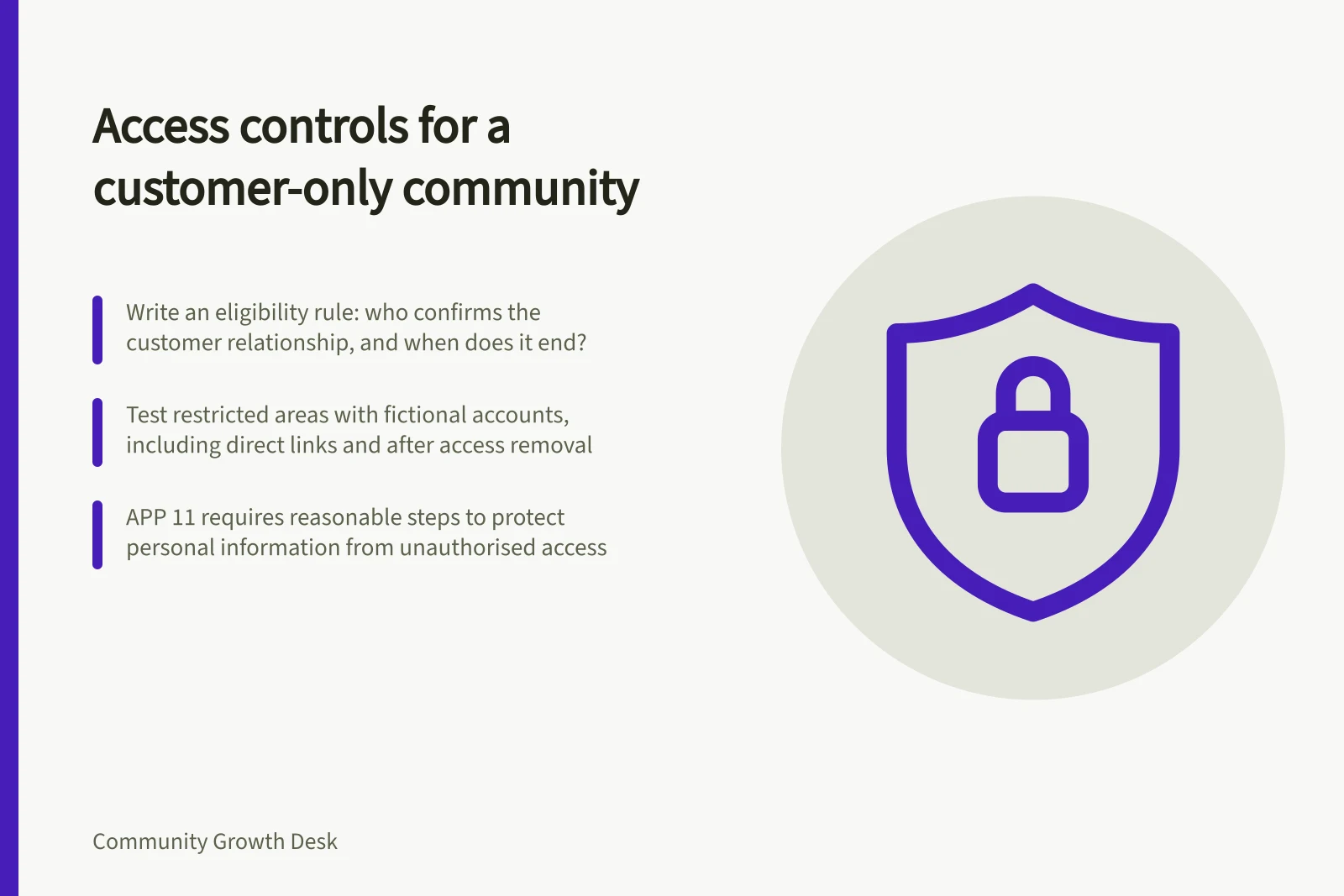
Write an eligibility rule someone can apply consistently. Does access belong to an individual purchaser, anyone employed by a customer organisation, or only named contacts? Who confirms the relationship, and when does it end?
Consider someone who changes employer or belongs to two customer accounts. Collect only the evidence needed for the decision.
Then map visibility. Some communities need one space for all eligible customers; others need separate areas by product or customer organisation. Decide whether members may see each other's names and posts. “Customers only” does not mean every customer should see every other customer's discussion.
| Moment | Control to specify | Failure to check |
|---|---|---|
| Admission | Who confirms eligibility and grants access? | An invitation reaches an unintended person. |
| Participation | Which areas can the member read or post in? | A broad default permission reveals a restricted area. |
| Change | Who updates access after a role or account change? | Old permissions persist. |
| Exit | What event removes access, and who acts on it? | A former customer retains entry. |
Access lifecycle for a customer-only community
- AdmissionWho confirms eligibility and grants access? Check: an invitation reaches an unintended person.
- ParticipationWhich areas can the member read or post in? Check: a broad default permission reveals a restricted area.
- ChangeWho updates access after a role or account change? Check: old permissions persist.
- ExitWhat event removes access, and who acts on it? Check: a former customer retains entry.
Match the rule to product controls
Discourse documents login-required, staff-approved and invite-only site settings, plus group-based category permissions. These settings support different designs, but an invitation does not confirm a continuing customer relationship. Its hosted Pro plan lists custom groups and private categories; Business lists additional single sign-on options. Check the intended plan and authentication route before choosing the design.
Test ordinary and restricted member views with fictional accounts. Try direct links to restricted areas, then check visibility after access is removed.
Matching access rules to Discourse controls
- Login-required siteRequires login; baseline access control, not proof of customer eligibility.
- Staff-approved accountsStaff approve new accounts; supports eligibility checks but needs a change and removal routine.
- Invite-only accessAccess by invitation; an invitation does not confirm a continuing customer relationship.
- Group-based category permissionsControls which groups can read or post in categories; test ordinary and restricted views.
- Discourse hosted Pro planLists custom groups and private categories.
- Discourse hosted Business planLists additional single sign-on options.
Keep sensitive matters on a narrower route
A customer-only discussion can still reveal one customer's account information to others. Explain what members may share, provide private support and give moderators a way to redirect sensitive posts. Limit staff permissions to the work required, and review who can change membership.
For an organisation covered by the Australian Privacy Principles, APP 11 requires reasonable steps in the circumstances to protect personal information it holds from unauthorised access and other specified risks. The appropriate steps depend on the organisation and the information involved.
Handling sensitive matters in a customer-only community
- Explain what members may shareSet expectations about account information and other sensitive content.
- Provide a private support routeGive members a non-public way to raise account-specific matters.
- Give moderators a redirect pathEnable moderators to move sensitive posts to a narrower space.
- Limit staff permissionsGrant only the access needed for each staff role.
- Review membership-changing rightsCheck who can change membership and why.
Set a removal routine before launch
Name the person or system that signals a change in customer status, who updates community access and who covers an absence. Record exceptions, such as a former customer retaining access to public resources but losing access to restricted discussions. After an account change, recheck access rather than assuming a revoked invite covers every path.
Removal routine before launch
- Name the triggerIdentify the person or system that signals a change in customer status.
- Assign access updatesName who updates community access when status changes.
- Cover absencesName who acts when the usual person is unavailable.
- Record exceptionsDocument cases such as former customers retaining access to public resources but not restricted discussions.
- Recheck after account changesDo not assume a revoked invite covers every access path.


