Onboarding
Part of Community participation and accessibility
Reducing barriers for members who do not post publicly
Give members clear reading, public and private routes to help, then check where the path breaks without treating post counts as the outcome.
Let members get help without requiring a public post. Give them a clear way to read, a private route for matters they cannot share, and an optional path into discussion. Silence alone does not show disengagement: the team may not know whether someone found what they needed.
Find the barrier before choosing a prompt
Ask what a member came to do and where the route became difficult. One person may have found an answer by reading; another may be unsure who can see a post, need time to write, have an account-specific problem, or be unable to operate the posting control.
A voluntary question such as “Were you able to find what you came for?” can help investigate. Offer a private way to answer. Do not ask members to explain a disability or sensitive customer situation in an open thread. Treat a few replies as clues, not as the views of all members who do not post.
Make the choices visible
Before inviting a contribution, state who can read it and what happens if staff follow-up is needed. Make the supported routes easy to distinguish:
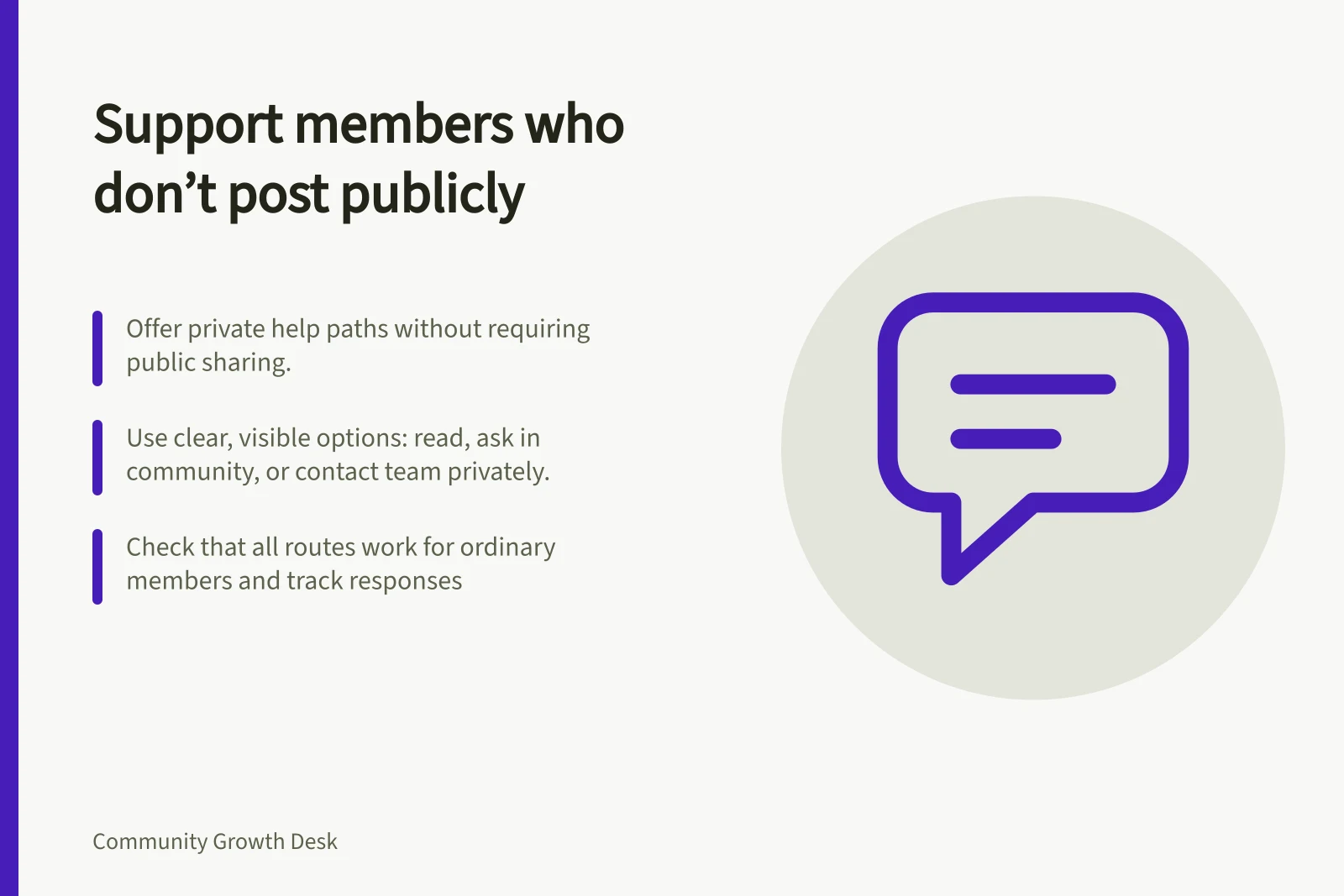
- Read:find a current answer or relevant discussion without first posting an introduction.
- Ask in the community:raise a general question with the post’s visibility stated near the action.
- Contact the team privately:share account details, an access problem or another matter unsuitable for a peer discussion.
Offer only routes the team monitors. If private messages are reviewed during staffed hours, say so without promising an immediate response. A private message may still be visible to staff and the service handling it; do not describe it as anonymous.
Invite a smaller first action
A useful invitation names a task. “Read these current answers; if your case differs, tell us which step does not fit” gives a member more choice than requiring an introduction to unlock the space. Someone who wants to contribute may prefer one question, a qualification to an existing answer or a topic suggestion.
Ask before sharing a privately submitted question with the community. Remove unnecessary identifying details and check that the remaining question still describes the problem accurately. If the team supplies an official answer, have the appropriate owner review it rather than presenting a peer suggestion as policy.
Check the route and response
Walk through each option with ordinary member permissions. Can someone reach the content, understand the controls and complete the private form? If submission fails, does the error identify the problem in text and explain how to correct it?
Check with people using different ways to navigate where possible. These are proposed checks, not results for any platform.
Give private questions an owner and a next step. If a question becomes a public topic with the member’s agreement, tell them where it appears.
If it stays private, answer it or hand it to someone who can. Review whether members received help through the route they chose; more public posts are not an outcome by themselves.