
Onboarding
Showing members how their feedback changed the community
Write community change updates that connect member feedback to decisions, explain what remains open and invite a check on the result.
Show a community change where affected members will see it. Describe the problem they raised, what the team decided, what changed and what remains open.
Include decisions to leave something as it is. Members should see the link between their input and a decision, without being told every suggestion was accepted.
Keep a record before writing the update
Save the original problem in plain language. Record who decided, what changed and when it took effect. Distinguish feedback that prompted a change from feedback that confirmed work already under way.
If several people contributed, do not credit the most visible member as the sole cause.
Changes may include revised discussion spaces, clearer notices, different event times or an easier way to ask for help. Describe what members can now do.
“Event notices now state the time zone” is clearer than “We updated the template”. Wait until members have used the arrangement before claiming it improved their experience.
Use a short, checkable update
For a meaningful change, answer four questions:
- What difficulty did members describe?
- What did the team decide, and what changed?
- What remains unresolved or unchanged?
- Where can members say whether the change works?
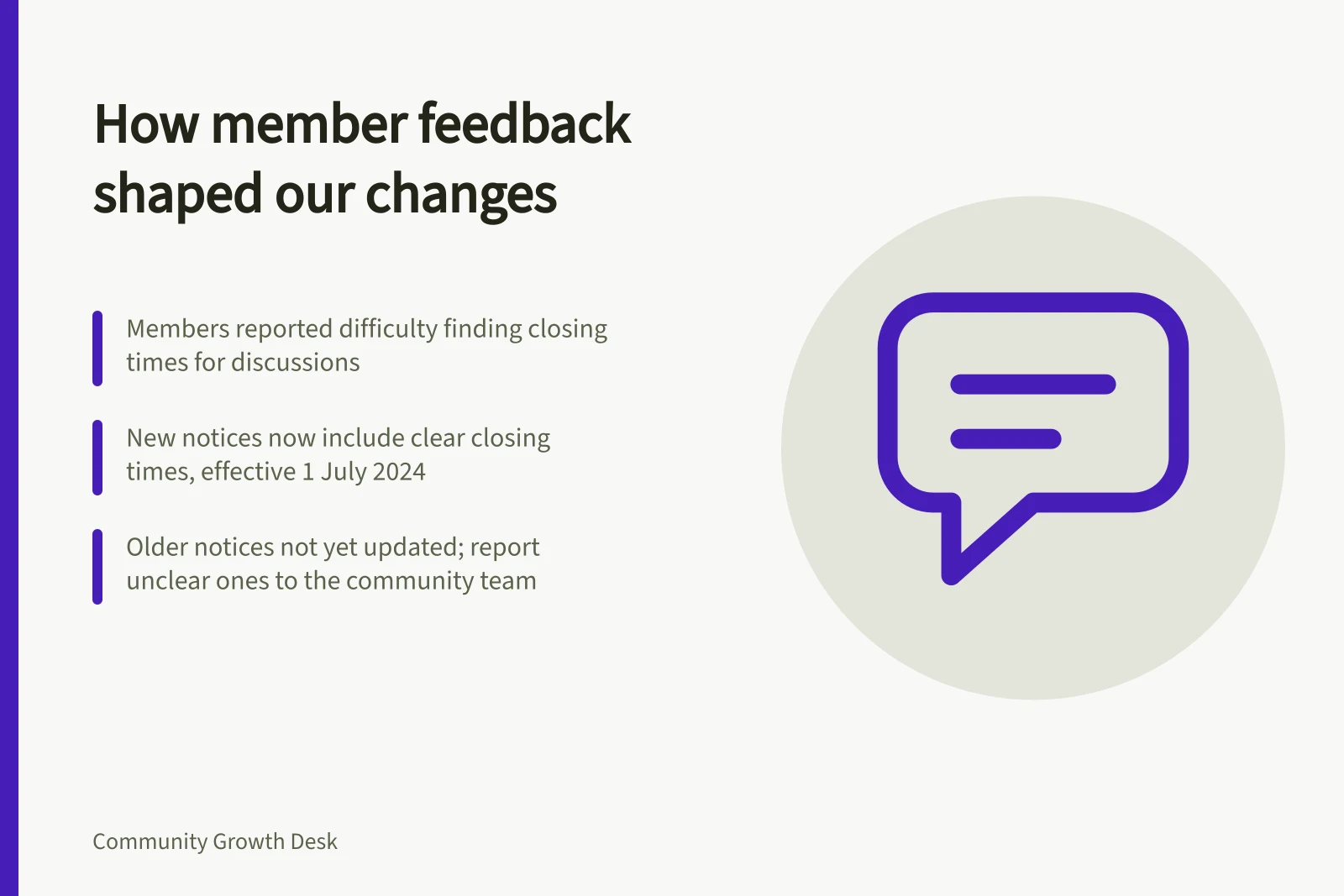
For example: “Members told us they could not tell when a discussion would close. New discussion notices now state a closing time. Older notices have not all been updated; tell the community team if you find one that is unclear.”
Put the update where affected members are likely to look. A reply in the original discussion may be more useful than a distant announcement.
For a change across several spaces, use a central update with short notices in the affected places. Leave the account accessible to members who missed the original discussion.
Explain decisions that did not produce a change
If the team decides against a suggestion, say which need it considered and why the proposed change was not made. Offer an existing route only if it addresses the need.
If the decision is temporary, explain what would prompt another review without promising an outcome.
Protect contributors while giving credit. Summarise themes without exposing account details or attributing a sensitive report to a named person.
Ask before republishing an identifiable comment. For organisations covered by the Australian Privacy Principles, using or disclosing personal information for another purpose may be restricted unless an exception applies; the circumstances matter.
Check whether the change helped
Once members have used the new arrangement, revisit the original difficulty. Are people still asking the same question? Can they find the revised notice?
Invite corrections if the update overstated what was fixed. A follow-up can then say what worked and what needs another adjustment.


