Onboarding
Community content and knowledge libraries
Build a community knowledge library from useful discussions, with clear ownership, current answers and navigation organised around member tasks.
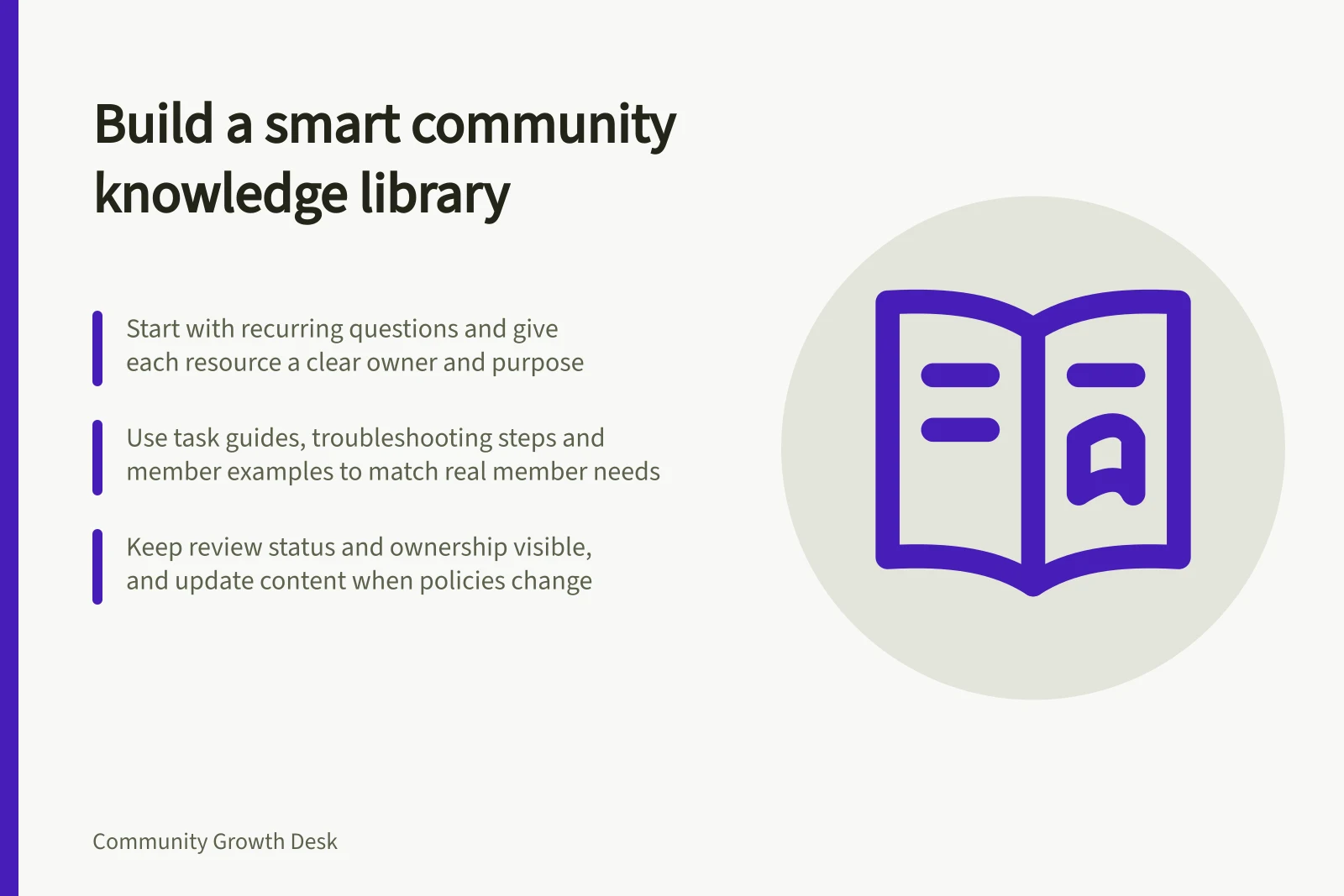
A community knowledge library turns useful answers scattered across discussions into guidance members can find and use later. Start with questions people actually ask, give each resource a clear purpose and owner, and make its status visible.
Decide what deserves a lasting answer
Look for questions that recur, answers that require several steps, and discussions members may need after the original participants have moved on. A one-off conversation may be valuable without becoming an article. Promote it when a newcomer could use a clear answer without reading the whole thread.
Before drafting, check whether an existing resource already addresses the task. Improve it if the answer is incomplete.
Otherwise, write one page around the member's question: who it applies to, what to do, where its limits are and what to do if the situation differs. Keep the discussion available for context where appropriate, but make the maintained resource the place to check the current answer.
| Resource | Best use | Editorial check |
|---|---|---|
| Short answer | A bounded question with a stable response | Does it answer the question immediately? |
| Task guide | A sequence a member must complete | Are steps and prerequisites in the right order? |
| Troubleshooting guide | Several possible causes of a problem | Can readers recognise which branch applies? |
| Member example | An account from one situation | Are its circumstances and limits clear? |
Choose the format that helps a member finish the task.
Keep responsibility visible
Give the library an editor or team that can request an expert check, publish corrections and retire material. Record who owns each resource, what product or policy it covers, and what should trigger a review. A “last updated” date may record an edit without showing what was checked. Where accuracy matters, describe the review or approval status plainly.
Let members point out gaps and propose improvements. Collaborative editing can collect their knowledge, but editing rights do not make every statement official guidance.
If the organisation is responsible for an answer, have someone authorised to verify it before applying an official label. Preserve useful member experience as attributed experience, including the circumstances in which it worked.
When a product or policy changes, identify affected pages and prominent older answers, check the new wording with the responsible team, then replace or qualify outdated advice. Make conflicts between an older selected reply and the current guide visible to readers.
Run a repeatable editorial queue
The editorial process can vary with the size of the team, the type of business and whether the library is for internal or public use. Set responsibilities to suit that context, while keeping one person responsible for tracking content needs and coordinating work.
The owner can monitor flagged issues, then prioritise, schedule and assign the writing. This gives the team a way to manage both new content and updates, rather than relying on individual staff to remember them during day-to-day support.
Support staff are well placed to spot documentation needs because they work closely with customers. Make flagging a normal part of support interactions, so a useful issue can reach the person coordinating the library.
A flag can be as simple as a tag on a support ticket or a custom field where an agent selects whether the ticket needs a knowledge-base update. Use a method that lets the owner see and review the items awaiting attention.
Separate the stages of suggesting a topic, writing it and checking it. In one workflow described in Zendesk’s community tip, Tier 1 and Tier 2 agents suggest topics to technical writers, who draft the document for review by a Tier 2 agent.
Set shared writing standards
Give writers a common template and standards for article length, titles, lists, plain language and links. These shared conventions help different contributors produce material that feels consistent, without requiring every resource to use the same format.
Keep articles short and make the wording easy to scan. Use lists where they help readers follow information, and add links to relevant material so members can move between connected guidance.
Arrange a technical review before publication when the content needs expert checking. Assigning writers and reviewers as part of the regular process makes that check a defined editorial task, rather than an informal expectation.
Organise the library around member tasks
Members usually arrive with something to do: set up an account, resolve an error or understand a rule. Use those tasks as the main navigation labels. A chronological list can still show recent additions, but it should not be the only path to an established answer.
Give each resource a descriptive title in the language members use. If two titles appear to answer the same question, consolidate the resources or explain the difference in audience or circumstances.
Add related terms to search or labels where the platform supports them, while keeping the visible title readable. Check what search returns for the wording members actually use.
Show how to ask for help when a guide does not fit, particularly where an answer depends on account details or a changing rule.
Review whether members can use it
Give someone a realistic task, ask them to find the current answer without coaching, and note where they hesitate. Also inspect repeated questions after publication. Repetition may mean a guide is hard to find, unclear or incomplete.
Maintain a queue of candidate questions, pages needing correction and resources ready to retire. Review it alongside product and policy changes so members can find an answer they can act on, with its limits attached.
In this guide
- Turning repeated questions into a community resourceDecide which recurring member questions deserve a maintained answer, then draft, verify and improve a resource people can use.
- Maintaining answers when a product or policy changesFind outdated community answers, verify the new position and make corrections visible when a product or policy changes.
- Separating official guidance from member opinionLabel approved guidance, member experience and answers under review so community readers can judge what applies to them.
- Organising resources by member task rather than upload dateBuild task-based community resource navigation with clear labels, one maintained answer and checks using realistic member questions.