Onboarding
Part of Community content and knowledge libraries
Organising resources by member task rather than upload date
Build task-based community resource navigation with clear labels, one maintained answer and checks using realistic member questions.
Arrange a community resource library around what members need to do. Keep recent uploads as a secondary view, but make recognisable tasks — getting started, fixing a problem or managing an account — the main route. Members should not need to know when a resource was posted to find it.
Task-Based vs Upload Date-Based Resource Organisation
- Member focus
- What the member needs to do (e.g., 'Manage account settings')
- Navigation logic
- Driven by common tasks, not internal upload dates
- Search relevance
- Improves when content is tied to user intent
- Content freshness
- Latest updates kept separate (e.g., release notes); stable guides remain unchanged
Key Benefits of Task-Based Resource Organisation
- Reduced search time
- Members find answers faster without knowing upload dates
- Improved navigation clarity
- Clear paths through complex processes like onboarding or troubleshooting
- Fewer duplicate articles
- Consolidated guidance reduces confusion and maintenance effort
- Higher member satisfaction
- When members can complete tasks without friction
Build the task list from real questions
Review discussion titles, search terms and requests to moderators. Record the action behind each request. “I cannot see my invoice” may fit under “Find and manage invoices”, while “What changed in billing?” may need an update page. Avoid organising solely by internal team names unless members use those names themselves.
Inventory existing pages by title, task, audience, current status and owner. Flag duplicate answers and resources with no clear task. A policy announcement may belong in an updates area, while its lasting instructions belong in the task guide members will revisit.
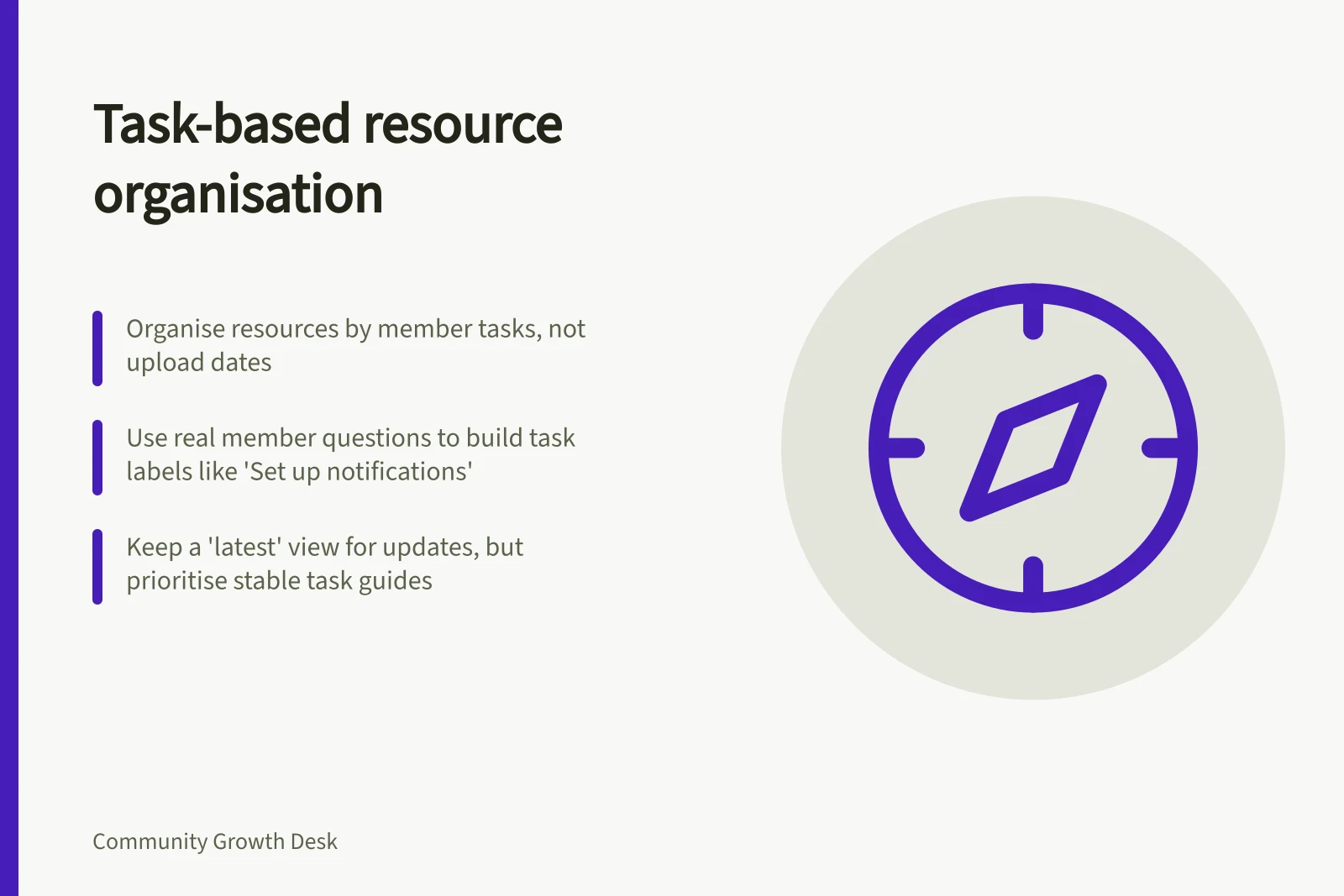
Choose labels that tell readers what they can accomplish. Prefer “Set up notifications” over “Communications”. Put a guide in the most likely starting place and offer another route where two tasks meet. Maintain one current answer even if the interface can display it in several places.
Content Audit Checklist for Task-Based Organisation
- Review real member questions and search terms
- Map each request to a clear task (e.g., 'Find and manage invoices')
- Flag duplicate or outdated resources
- Use action-oriented labels (e.g., 'Set up notifications')
- Ensure one current answer per task, even if displayed in multiple places
Design a path through the resources
For each common task, ask what a member needs before, during and after using a resource. A setup guide may need prerequisites, steps and a route to troubleshooting. A troubleshooting page may need a way to identify the relevant error and a route to help when none of its cases fit.
Categories and labels can help, but their behaviour depends on the platform. In Zendesk Knowledge, categories contain sections and sections contain articles. Article labels can affect help-centre search relevance. Check the navigation and search results after arranging content.
Keep a “latest” view for release notes and announcements. For stable instructions, a newer upload is not necessarily the answer to a member's task.
Check the route with realistic tasks
Give a person unfamiliar with the library a short scenario and ask where they would look first. Note the words they choose, whether they use navigation or search, and where they hesitate. Revise unclear labels before adding more categories.
Repeat the check after a substantial change. Search in members' language and inspect whether the current answer appears ahead of stale or duplicate material. The structure should help members recognise a relevant answer and find a help route when no guide covers their case.