Onboarding
Designing recurring community discussions
A recurring discussion gives members a dependable place to exchange experience on a question that remains useful over time.
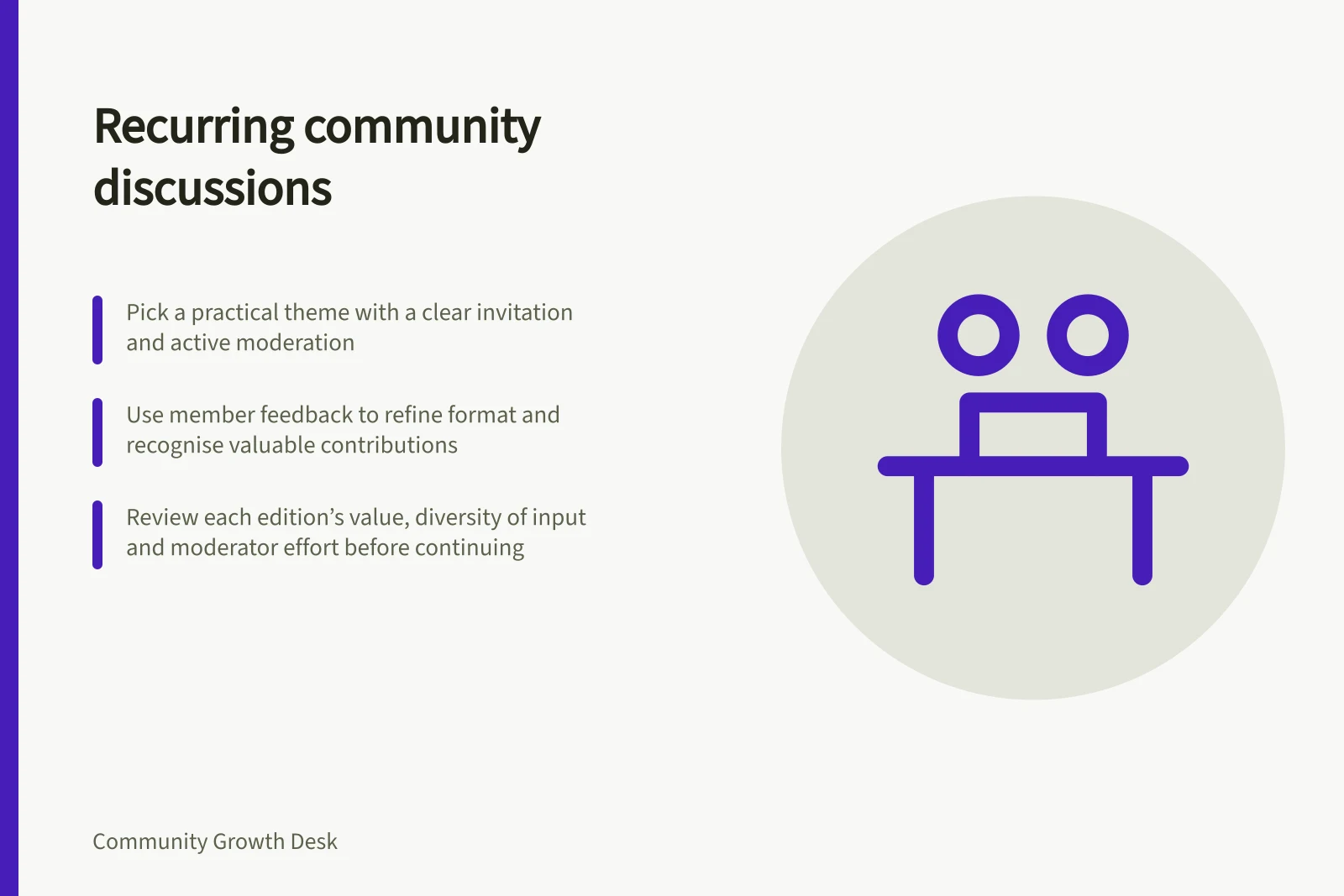
A recurring discussion gives members a dependable place to exchange experience on a question that stays useful over time. A calendar alone will not draw participation. Pick a practical theme, issue a clear invitation, arrange active moderation, and review whether each return of the thread earns its place.
Pick a reason to return
Start with a member need that repeats: a monthly setup challenge, a weekly progress check-in or a seasonal decision. Ask what members can learn from one another that a static article cannot provide.
A prompt such as “What changed in your onboarding this month, and what did you try?” invites a more useful answer than “Share your thoughts.” It also gives the moderator a way to ask follow-up questions.
Choose a cadence that matches the pace of the topic. A daily thread for a decision people make once a quarter will soon feel empty; an annual thread may be too slow for a weekly practice.
Start with a small trial period and a named owner. Scheduling is a publishing mechanism, not proof of member demand.
Make the thread easy to enter
Put the topic, intended audience and response format in the opening post. Give one or two example answers without making them sound mandatory. State boundaries: what information should not be shared, whether commercial links are allowed, and how participants should treat one another. A new member should be able to contribute without reading every prior edition.
Seed the conversation with a real question from the host and respond to early replies. Moderators should monitor and answer responses. An unattended automated post signals that the community is being asked to produce content for someone else's calendar.
Make participation relevant
For an association, a recurring discussion can sit alongside other ways members connect, such as online forums and networking events. An invitation that reflects members’ interests is more likely to feel relevant than a generic announcement. Association engagement guidance recommends personalising communication and using member information to highlight relevant opportunities. Use what you know about members to tailor the invitation.
Participation can bring together members’ different perspectives, experience and expertise. Design the series so members share what they know and learn from one another, rather than treating attendance or activity counts as the only sign of value.
Pros and Cons of Scheduling Recurring Discussions
- ProsBuilds routine engagement, fosters trust, supports continuous learning
- ConsCan become stale if prompts are not refreshed; risks low participation if not well-moderated
Give every edition a distinct job
Keep a recognisable series name, then vary the specific decision or situation. One edition may ask what failed during setup; the next may ask how people measured a change. Avoid opening several overlapping threads that split the same conversation. If a question needs a specialist, consider a time-boxed expert Q&A rather than making every ordinary thread depend on an expert guest.
For a recap, see our guide to summarising a useful thread.
Keep discussion and decisions distinct
Where recurring discussions inform local government work, distinguish an informal forum from formal debate and decision-making. Western Australian local government guidance describes regular forums as a way elected members may become better informed, while noting concerns that they can reduce transparency and community involvement if accountability is unclear.
The guidance says the Local Government Act 1995 sets the framework for elected members to meet as the governing body and make decisions on behalf of the local government. It identifies accountability, openness, transparency, probity and integrity among the issues for forums. Make clear to participants what kind of meeting they are joining and whether it is a decision-making process.
Use feedback to refine the format
Ask members whether the discussion is useful and what would make it easier to take part. Surveys, polls and suggestion boxes are ways associations can collect member input. The important design choice is to use what members say to make improvements and let them know their feedback mattered.
Consider how the community will recognise valuable contributions. Associations may acknowledge active members through newsletters, social media or awards, or use points and badges. Recognition should support participation without making a particular level of activity feel compulsory.
Decide whether to continue
Review contribution quality, the diversity of contributors, repeat participation and the moderator effort required. Raw comment count alone can be inflated by short acknowledgements. Ask whether members learned something or helped one another.
If the same few answers recur or the question has run its course, change the prompt, reduce frequency or retire the series. Check what control your platform gives you over future scheduled posts before you commit to a recurring slot.
In this guide
- Choosing prompts that invite practical experienceA useful community prompt asks members for an experience they can describe and others can learn from.
- Running an expert question-and-answer sessionAn expert Q&A works when the guest can answer questions members already care about and members know when, where and how to ask.
- Summarising a useful thread for members who missed itA thread summary helps someone who missed a discussion find the useful ideas without pretending every participant reached the same conclusion.
- Retiring recurring discussions that no longer helpRetire a recurring discussion when it keeps appearing on the calendar but no longer gives members a useful reason to take part.